YOUR PERSONAL SPACE · iPHONE & MAC
A clear mind.
A space that’s yours.
Bring your notes, tasks, and calendar together. Make room for the rest of you, with boards, journals, and stickers.
Start free · Optional Root Pro
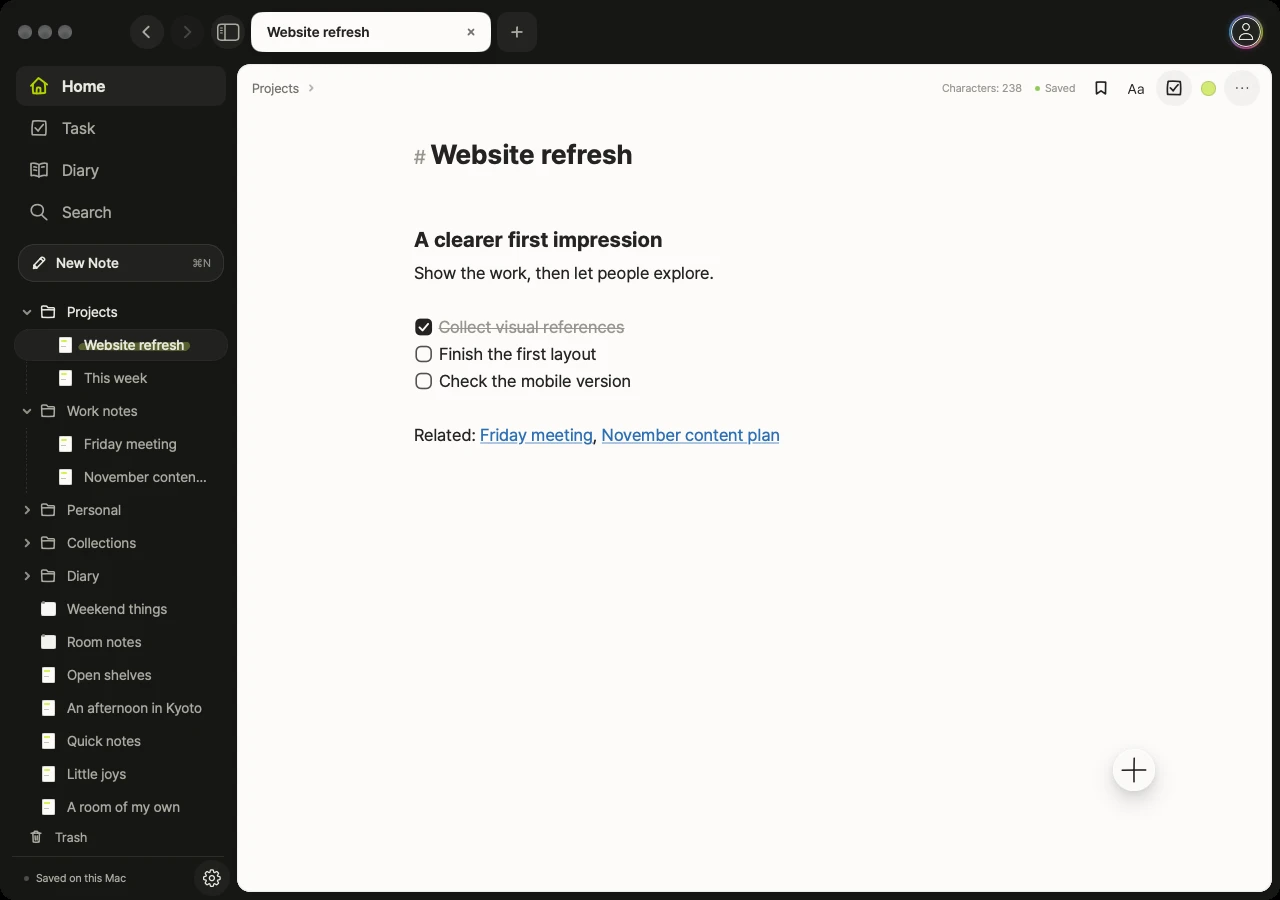
A project, its next steps, and the notes behind it.
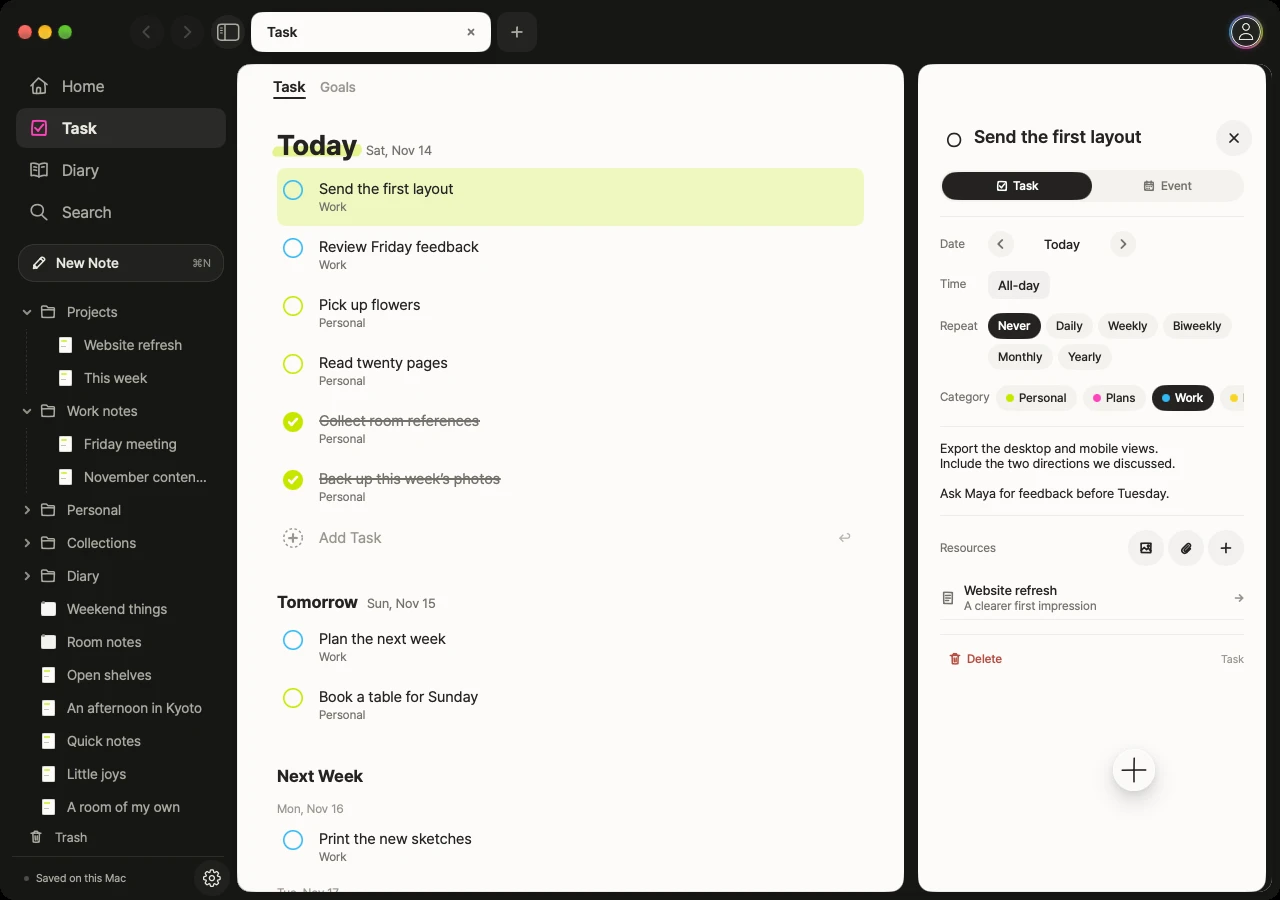
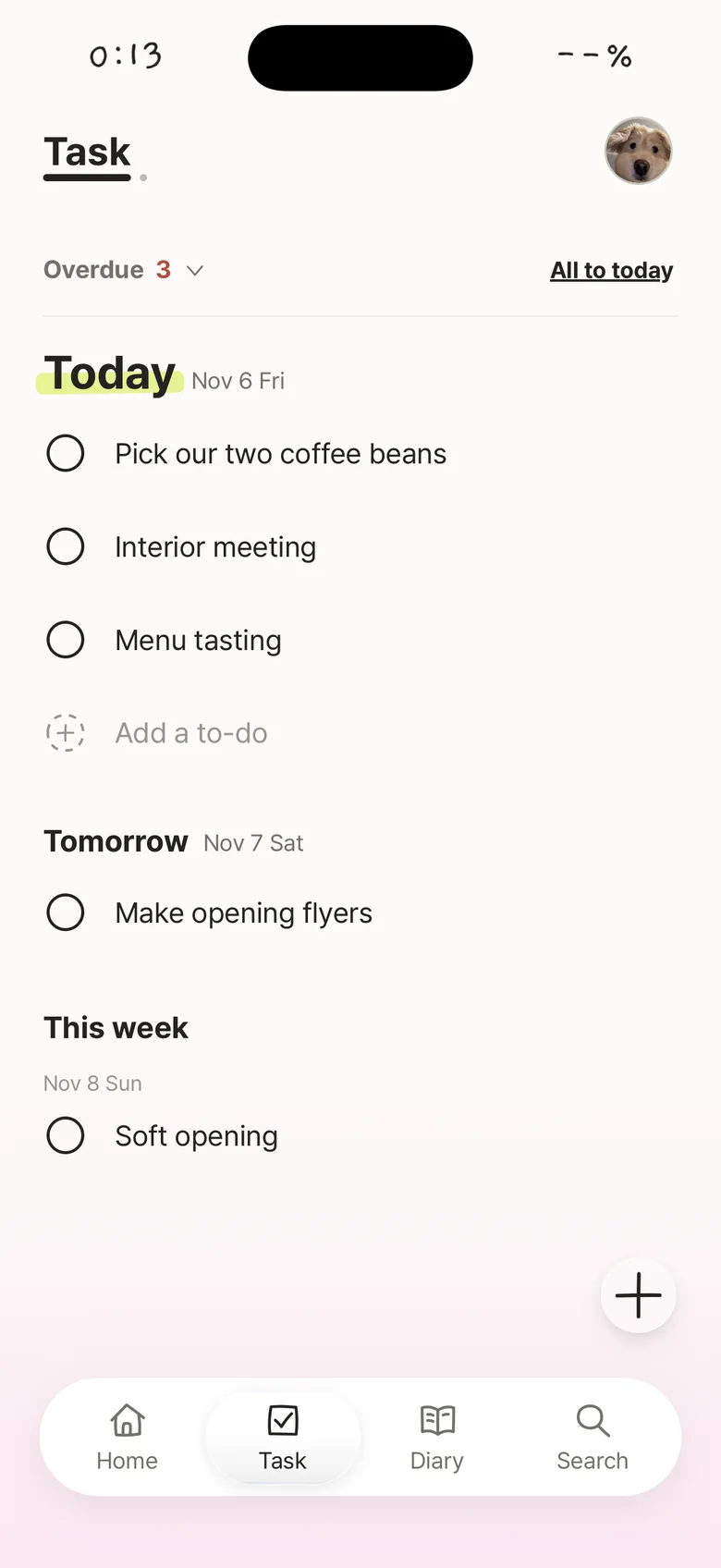
Today’s tasks. The details right beside them.
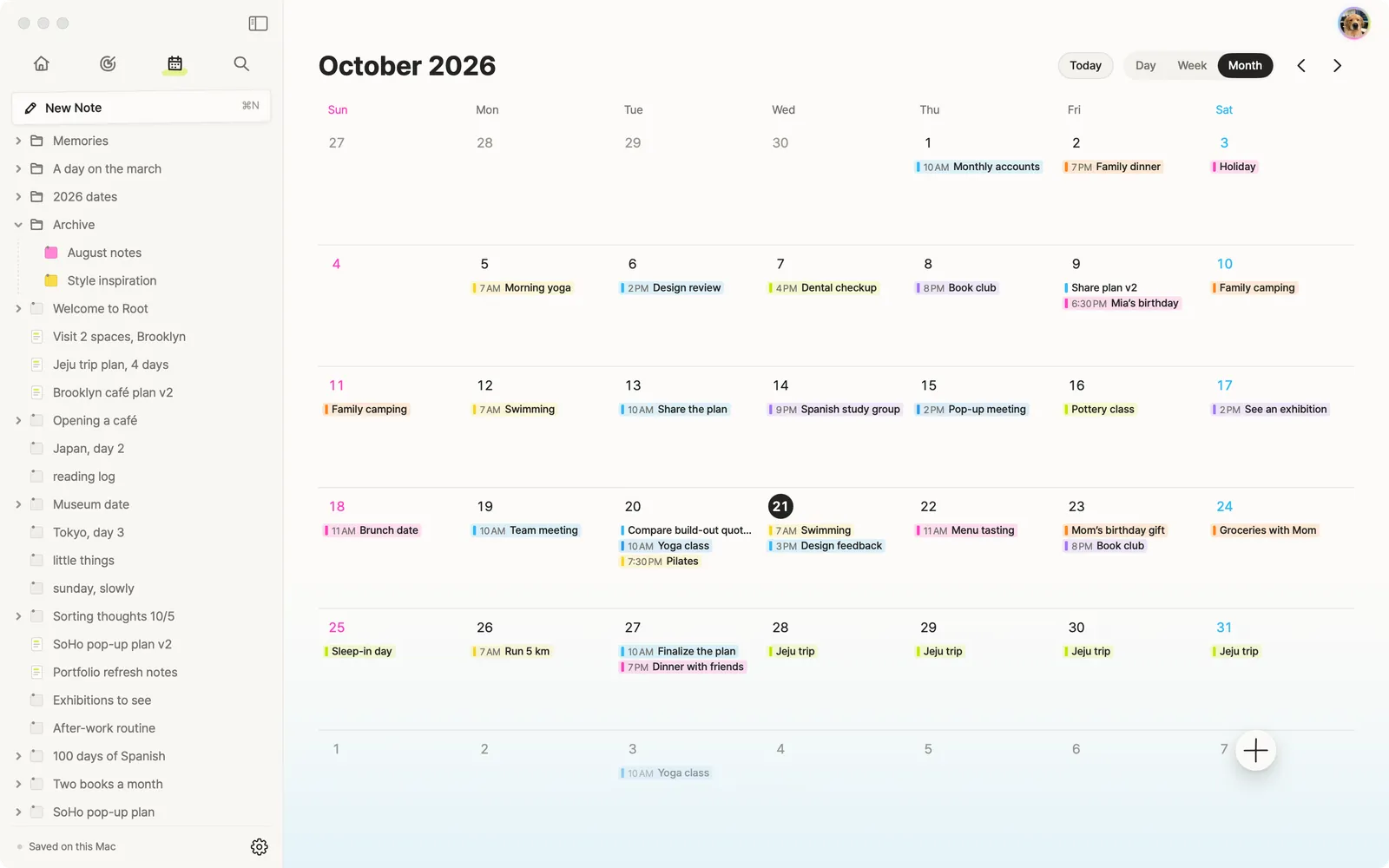
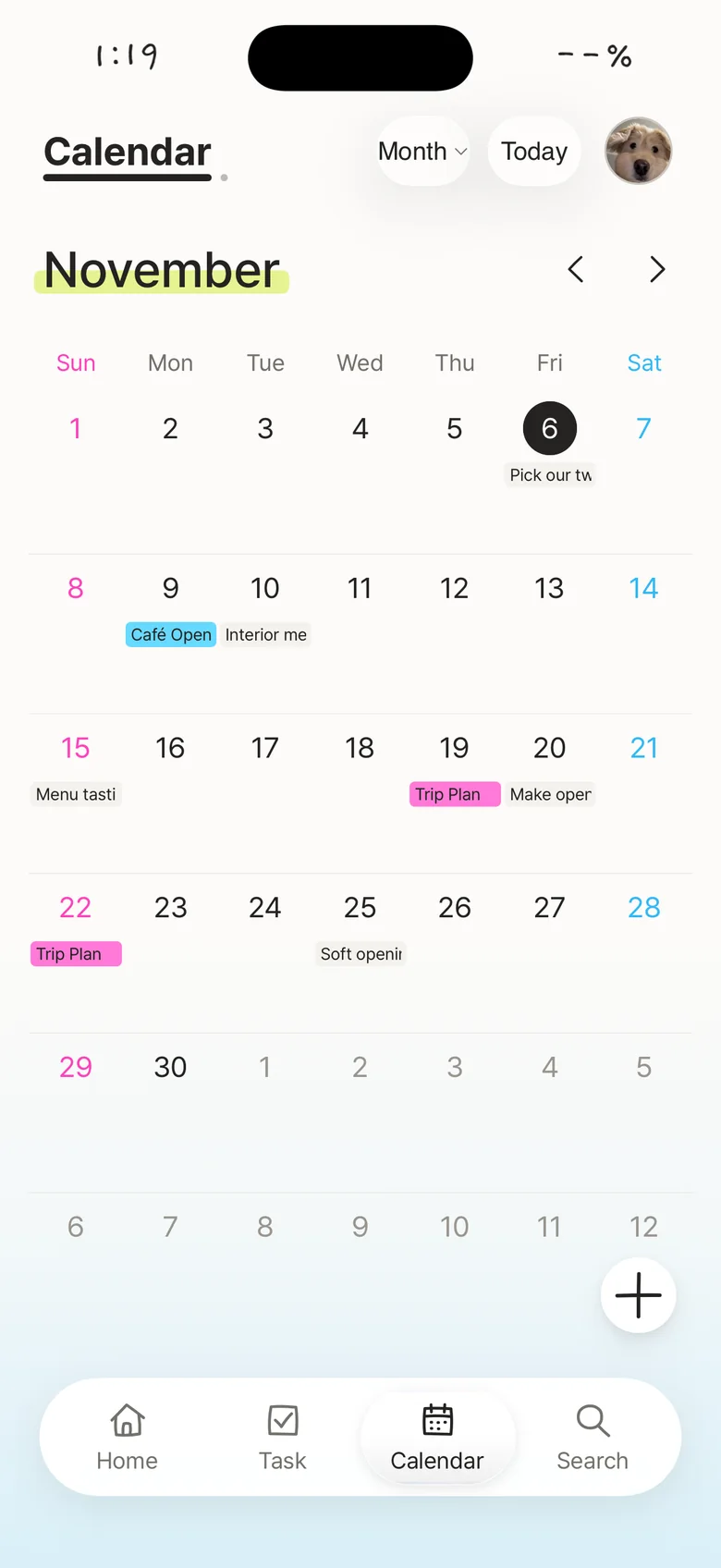
See your plans, one day or a whole month at a time.
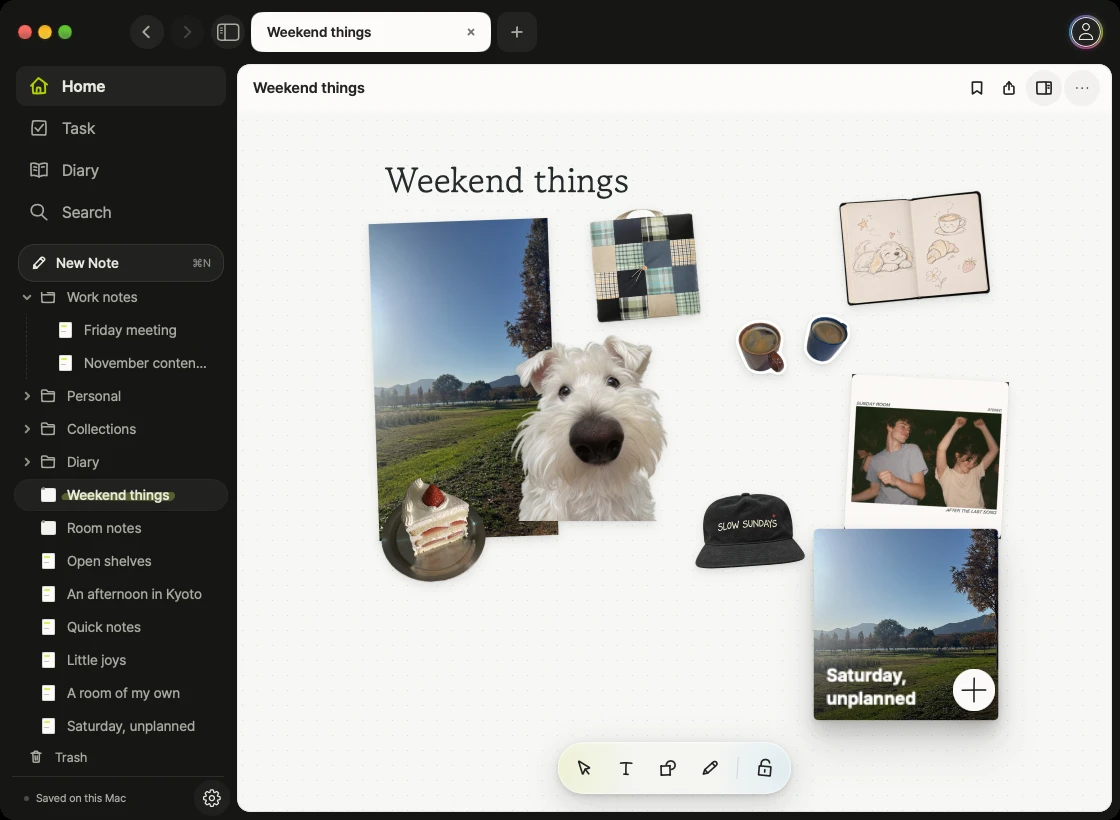
A canvas for everything that catches your eye.
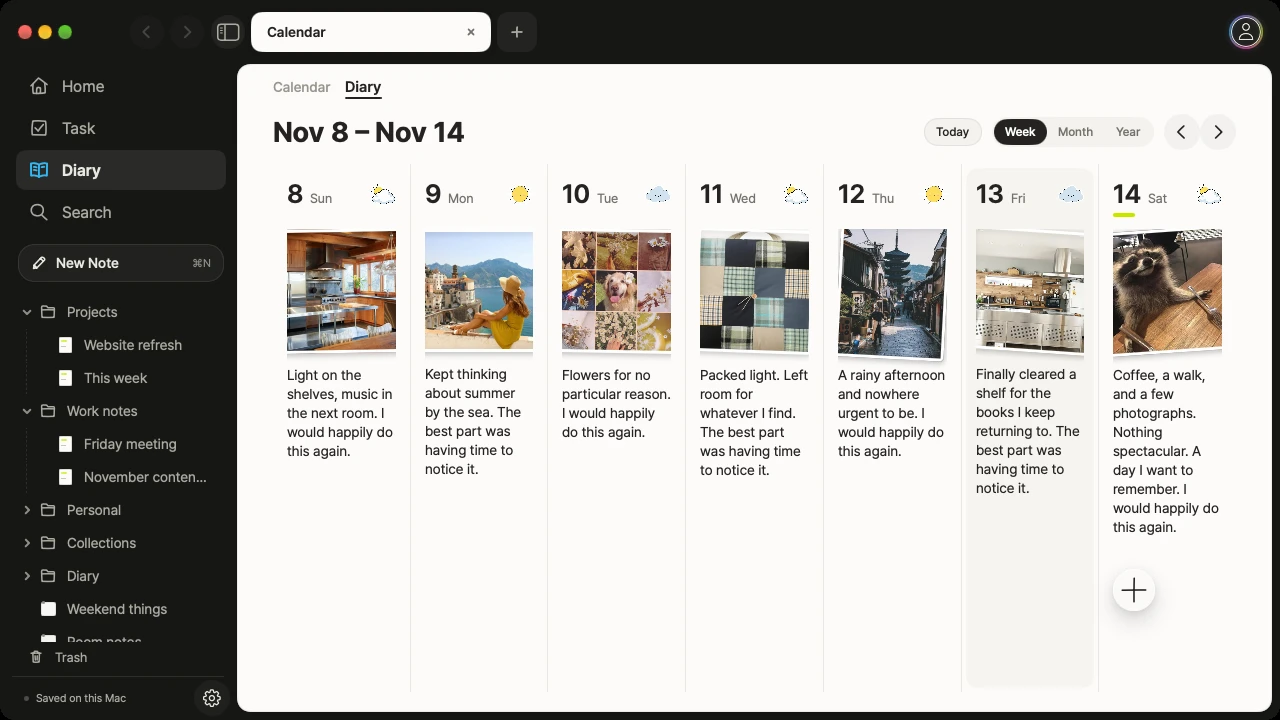
Your week, in words and pictures.
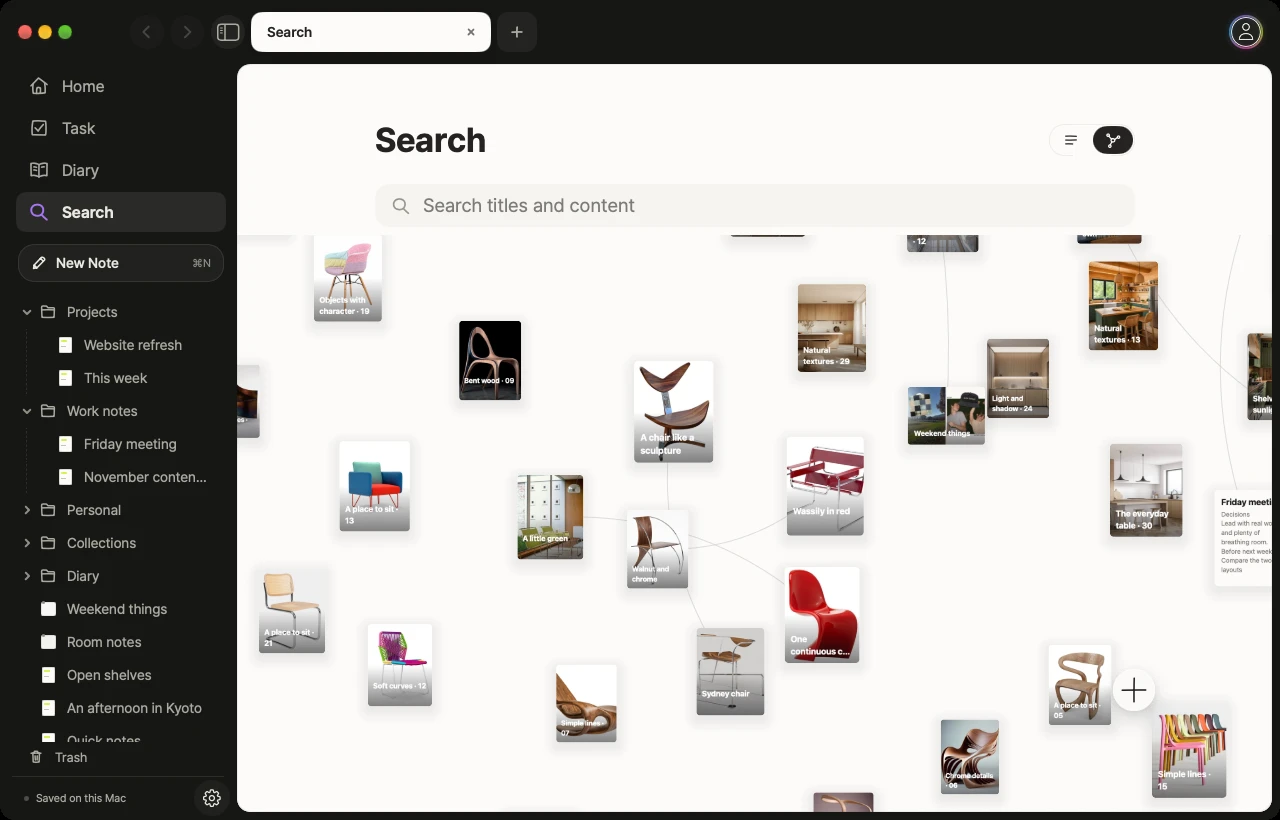
Find a thought. Follow what it connects to.
For everything on your mind. And everything on your calendar.
Think it through
Capture an idea, write it out, and connect the notes that belong together.
Make it happen
Plan your week. Keep tasks, dates, and their references close.
Make it yours
Build a visual board, keep a journal, and add a sticker just because.
01 / NOTES
From a passing thought to a proper plan.
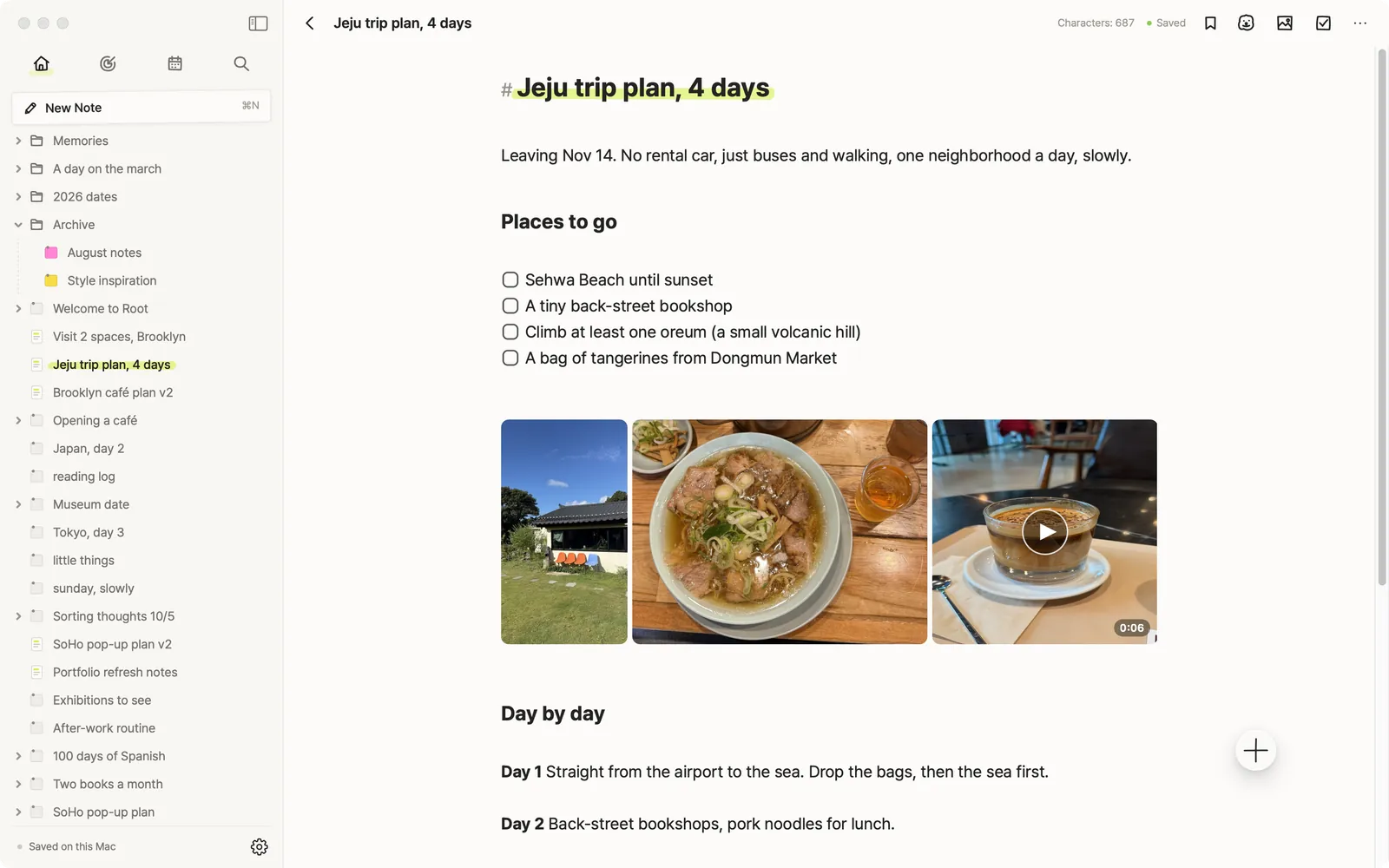
Meeting notes, a reading list, your next project. Write with text and images, organize with folders, and link the thoughts you want to come back to.
- Keep what stays with you
- One thought leads to another
- More than words
02 / TASKS & CALENDAR
A plan with everything you need to act on it.
See what’s next, check off a task, and open its notes and references. Connect Apple Calendar and Reminders to bring your day together.
- Keep your calendars together
- Reminders, connected
03 / THE CANVAS
Some ideas need more than a page.
Spread out photos, notes, and inspiration on a freeform board. Build a project moodboard or a collection of things you love. There’s room for both.

A canvas for everything that catches your eye.
04 / YOUR JOURNAL
Keep the day. Not just the to-do list.
A photo from your walk. A few words about today. Keep a journal with weather, moods, and stickers, then look back by week, month, or year.
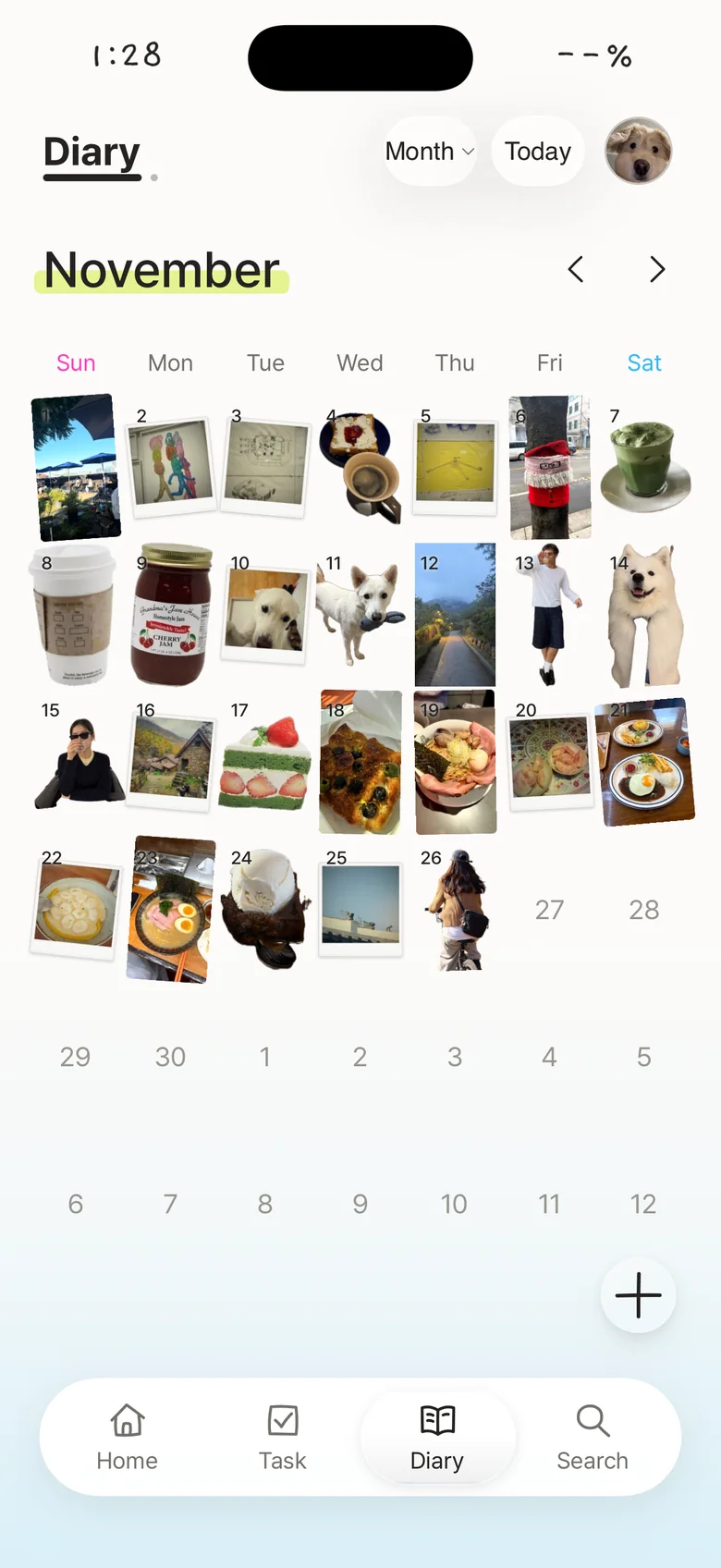



A month of things you loved.
05 / CONNECTED NOTES
Pick up the thread.
Search your records and explore the notes you’ve linked. Keep an idea connected to its references, and a project connected to its next step.
A LITTLE PERSONALITY
Serious plans. Very unserious stickers.
Add a little character to your notes and boards. Pick a cute sticker, turn your own photo into one, or leave a little doodle. Your space should feel like you.




iPHONE & MAC
Small screen. Big ideas.
Capture a thought on your iPhone. Settle into your workspace on Mac. Keep your records together with iCloud sync in Root Pro.
iOS 16.4+ · macOS 14+
THE ROOT JOURNAL
A few ways to make it yours.
A PLACE TO BEGIN
Begin with the joy of writing. Free.
Start with notes and daily notes, and try the diary. Make more room for memories and connect your devices with Root Pro.
Start free
Notes · daily notes · tasks · calendar
Go further with Root Pro
Diary · more boards and stickers · iCloud sync
Check the app’s purchase screen for current limits, prices and trial terms.
A few good questions.
Does Root connect to Apple Calendar and Reminders?
Yes. Connect Apple Calendar to see your existing events in Root and keep changes in sync. Root tasks sync with the “Root” list in Apple Reminders, including edits and completion. Enable each connection in the app and allow access on your device.
What kind of note app is Root?
Root brings notes, a photo diary, tasks and a calendar together on iPhone and Mac. Keep book and film reflections, everyday photos and the references behind your plans in your own way.
Can I keep reading and movie notes?
Yes. Combine a cover or poster, a rating, memorable moments and your reflections. Link related notes to follow the thoughts that connect the books and films you love.
What can I add to my diary?
Use writing, photos, instant-photo layouts and stickers, plus weather and mood. Revisit your entries by week, month or year. Continued diary use and diary widgets are Root Pro features.
Can tasks and their references connect to the calendar?
You can attach notes, boards and photos to tasks and events created in Root. See dated items on your calendar and open their details to find the material. External Apple Calendar items may support different features.
Can I use Root on iPhone and Mac?
Yes. Root supports iPhone with iOS 16.4 or later and Mac with macOS 14 or later. Root Pro offers iCloud sync using the same Apple Account. There is no dedicated iPad app or Android app yet.
Where are my records stored?
Your records live in the app’s storage on your device. Root Pro offers optional iCloud sync between devices on the same Apple Account. You can also export and import backups. See the privacy policy for details.



YOUR PERSONAL SPACE.
Your thoughts. Your plans.
Your own space.
Bring your notes, tasks, and calendar together.
Start free · Optional Root Pro